📲 Byte-Lines: AI Tools lately have seen what can only be described as their own version of a Cambrian Explosion. Sifting through all the murk though, you stumble upon a tool that truly feels magical. I have to admit though, this wasn’t a tool I found, but rather one that my partner suggested I try out, on a random day. And I’ve been using it since.
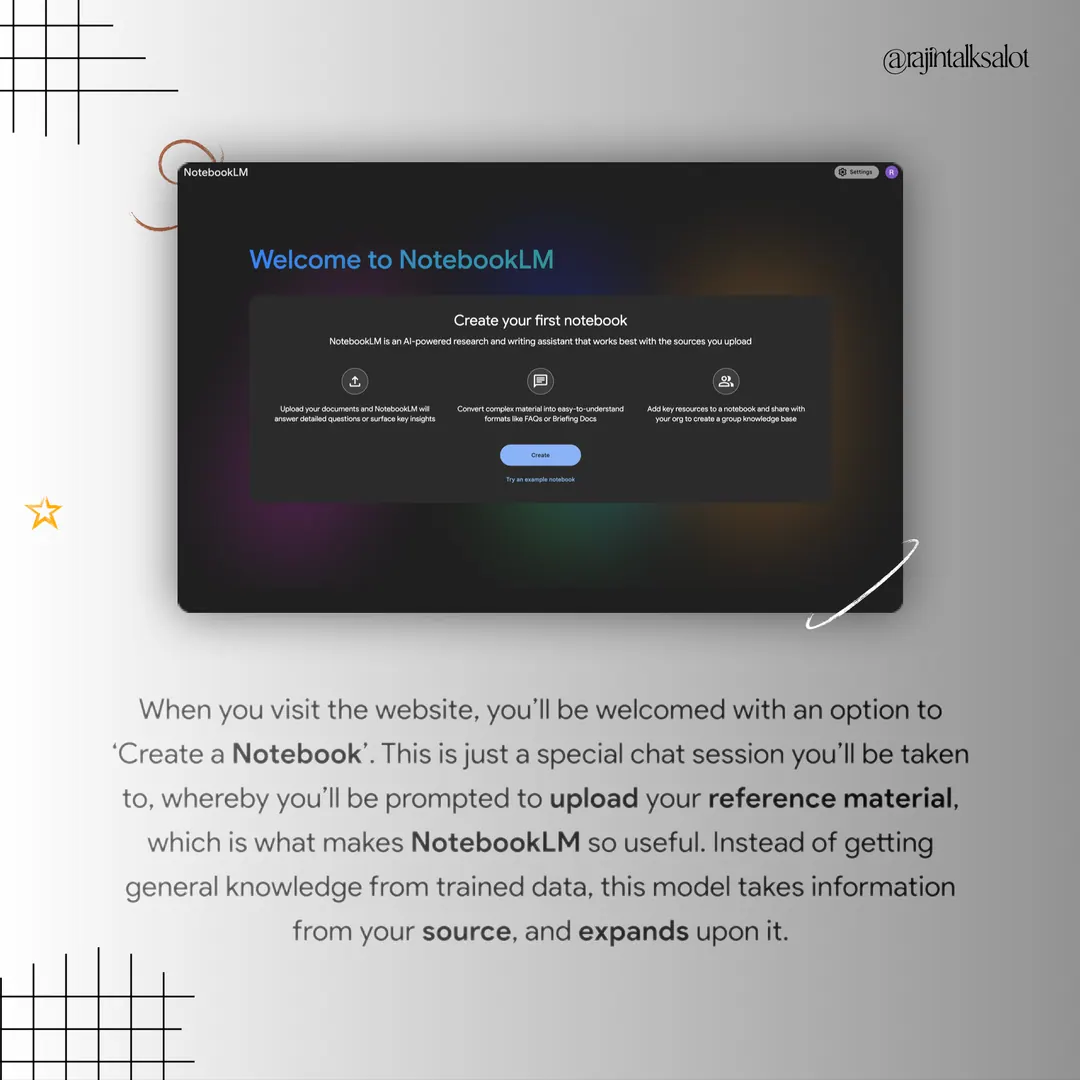
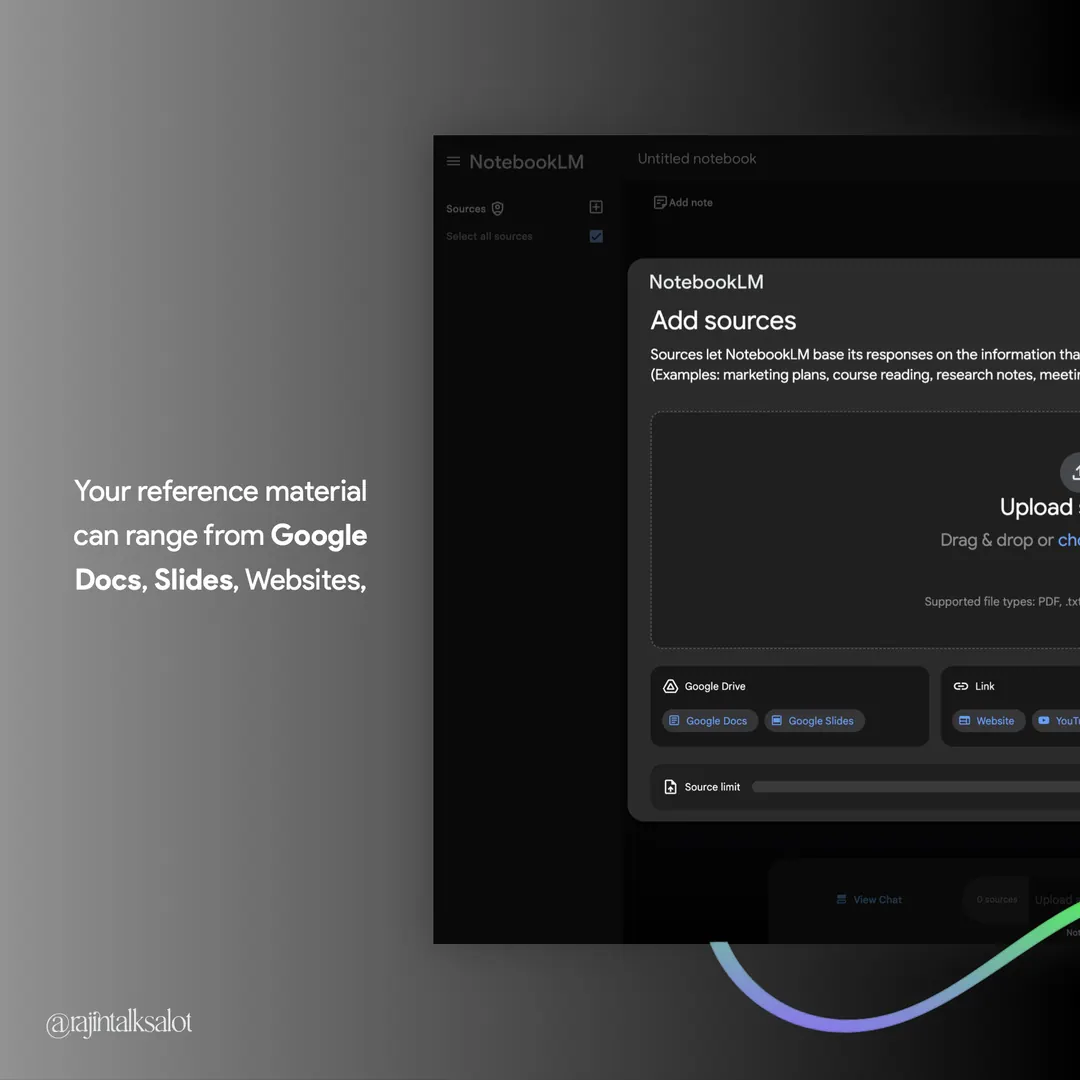
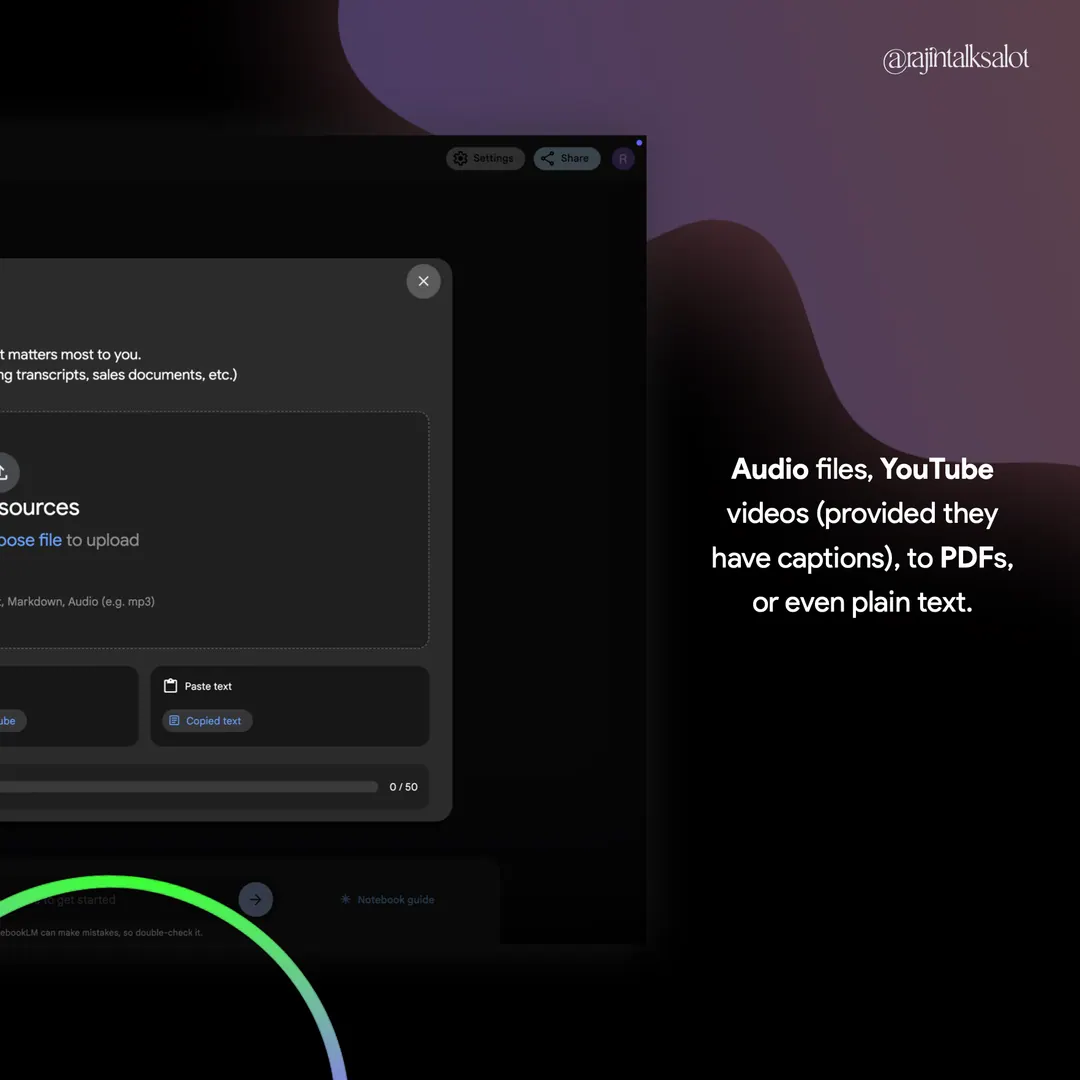
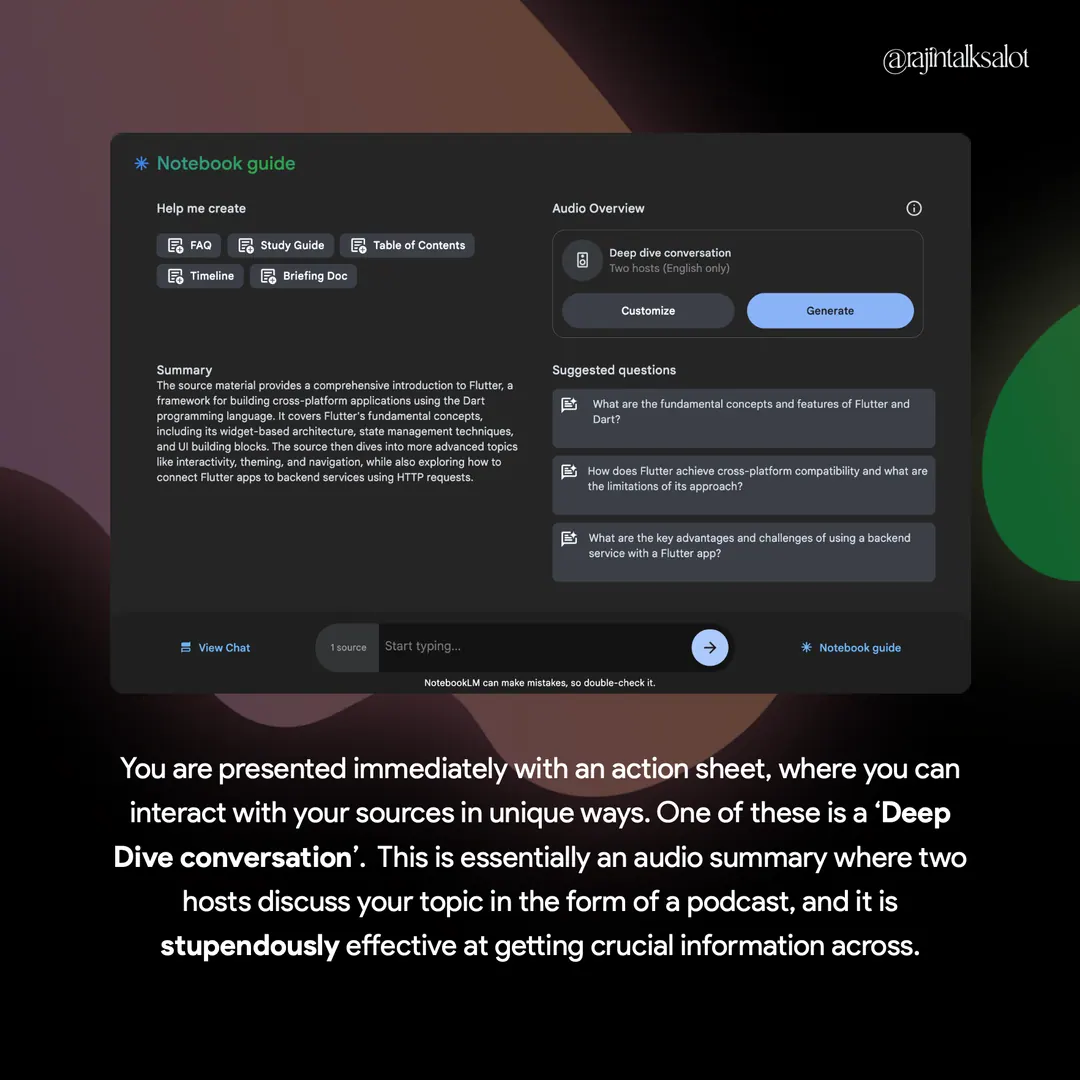
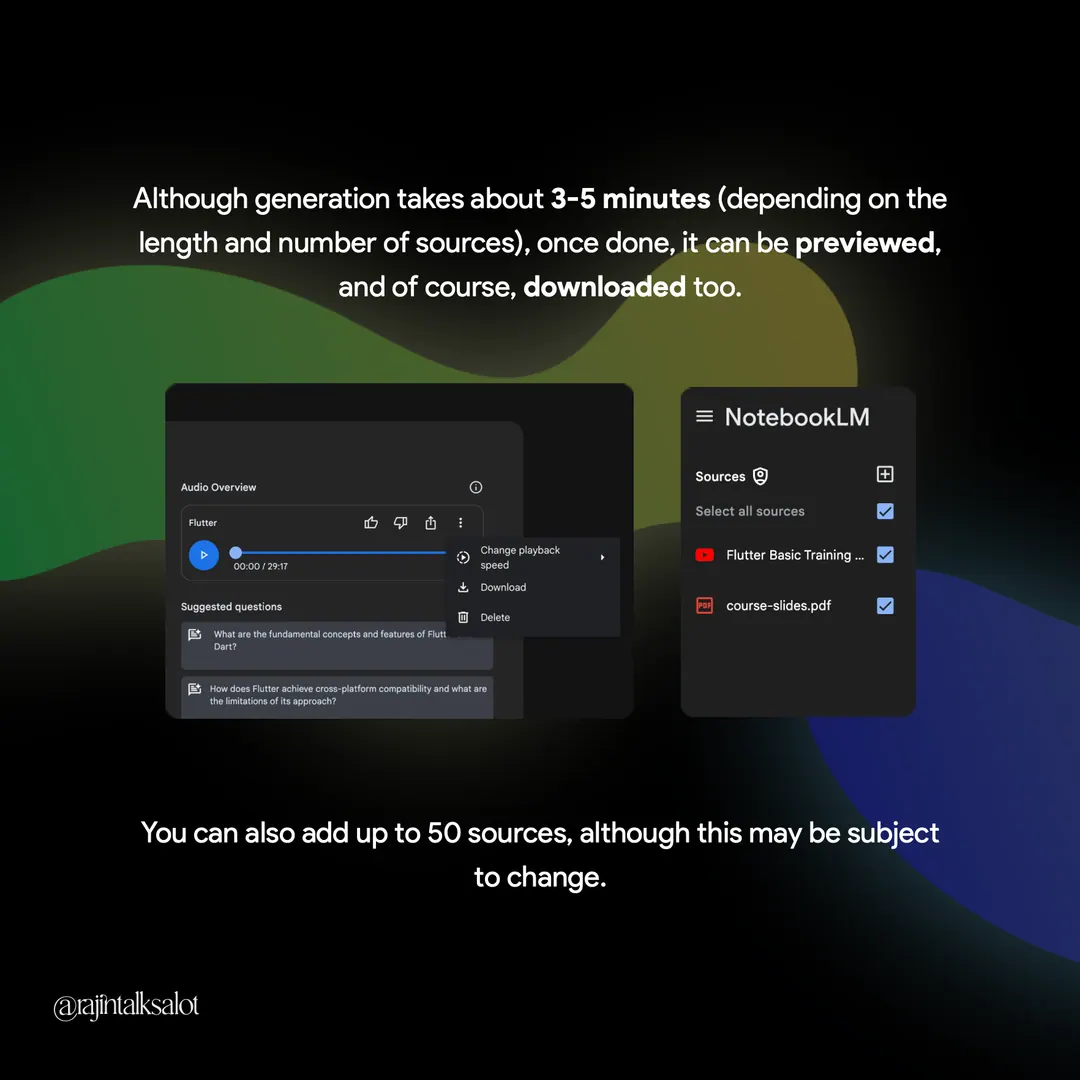
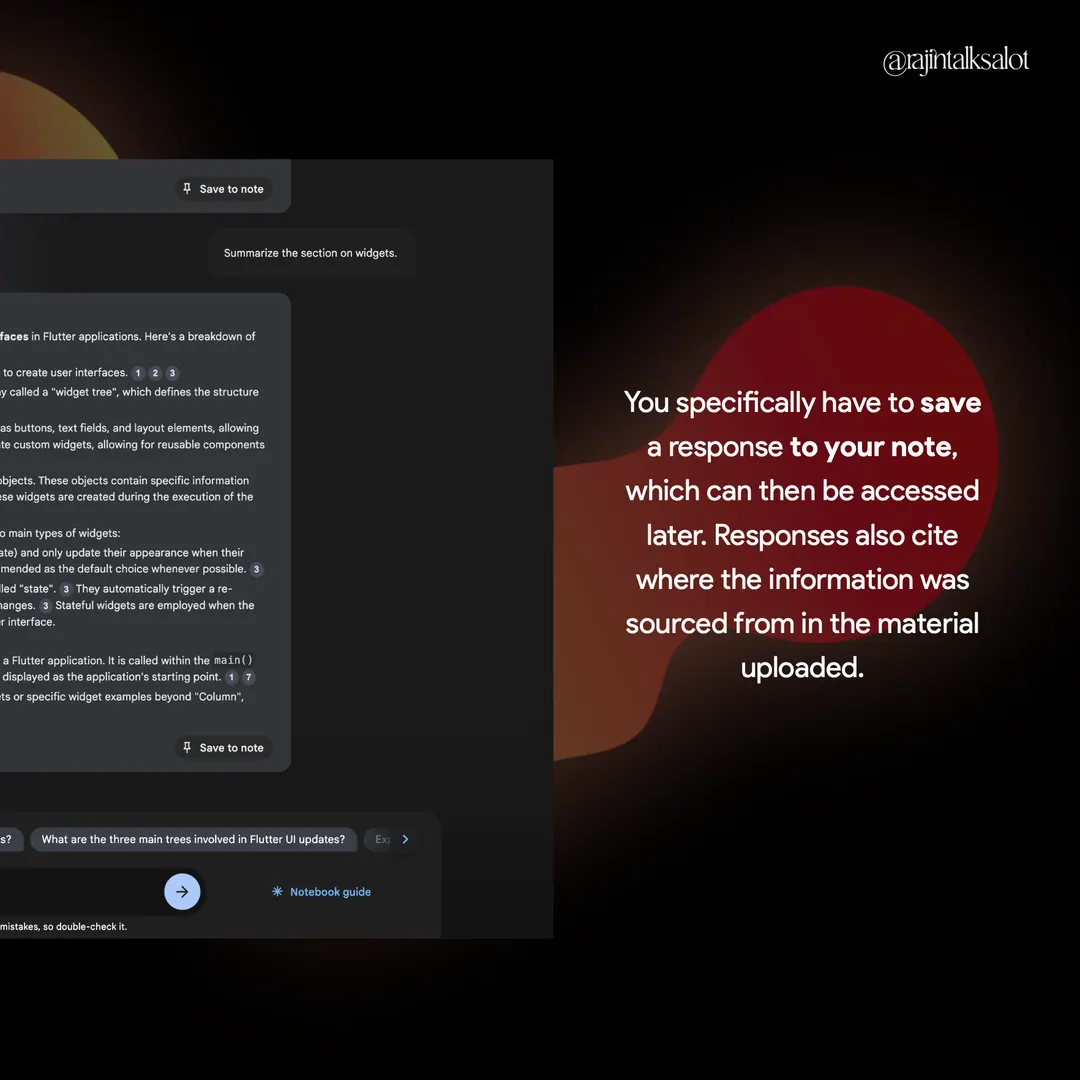
Notebook LM by Google is a powerful web-tool that helps you find engaging ways to interact with and learn from all kinds of material, whether it be multiple PDFs, copied text blocks, YouTube videos, or even audio files. It really does boost your productivity when it comes to studying, with its standout feature being the audio summary it generates, making it sound like a podcast where two hosts discuss your material, and it is honestly very engaging.
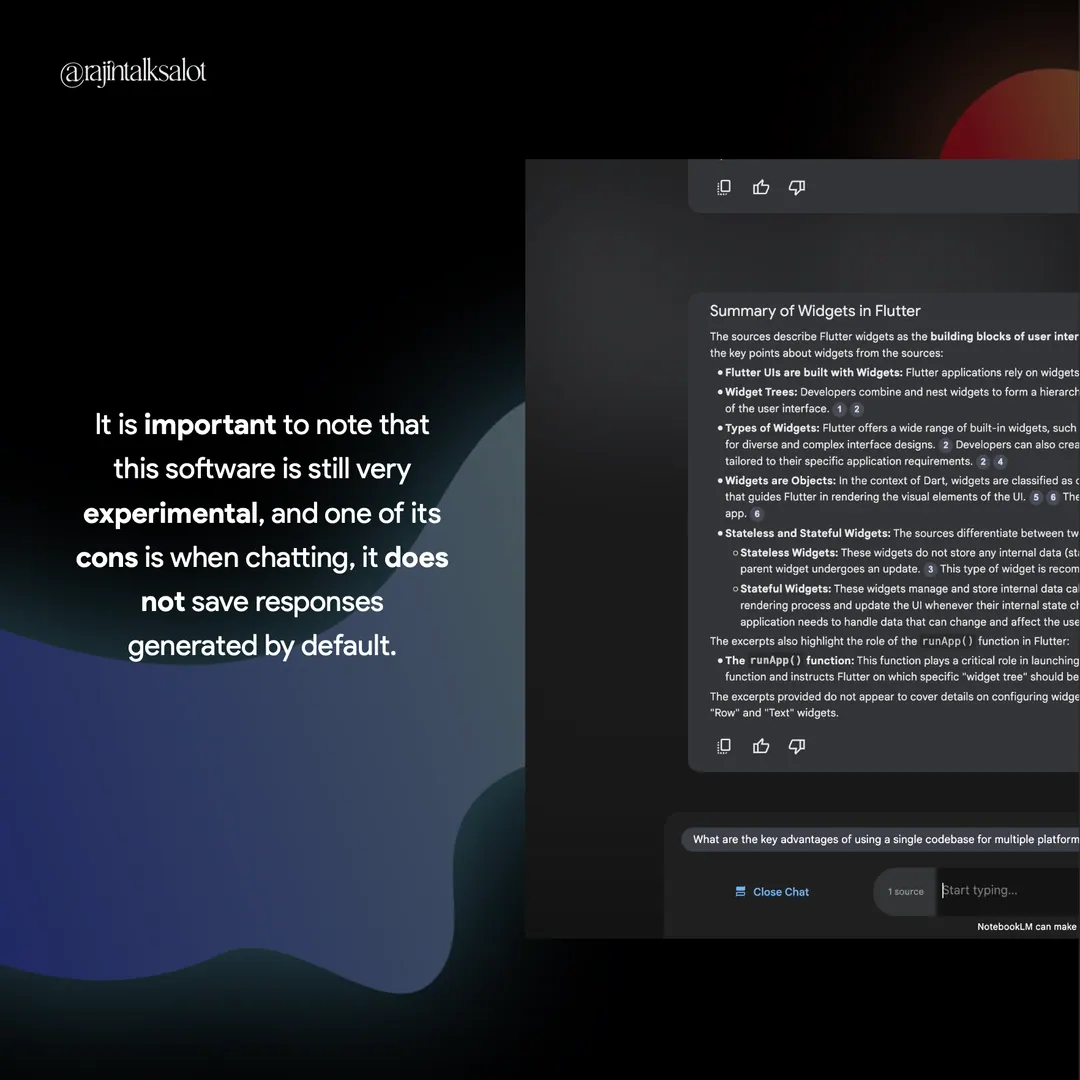
It isn’t your run-of-the-mill ‘chat-with-pdf’ software though. Aside from the aforementioned podcast-like audio summary, Notebook LM has much more to offer, with a few pros and cons of its own. This Byte-Line covers all that, and more.
(Try Notebook LM at: notebooklm.google.com)